Technical Expertises
It is a vital aspect of all film making that the crew knows how to operate equipment, and how to learn. Although I conducted several experiments before filming, I found that I learnt more on set.
There are two main aspects of technical expertness that I focused on during production and post. These include the use of equipment, and the use of editing software.
Equipment:
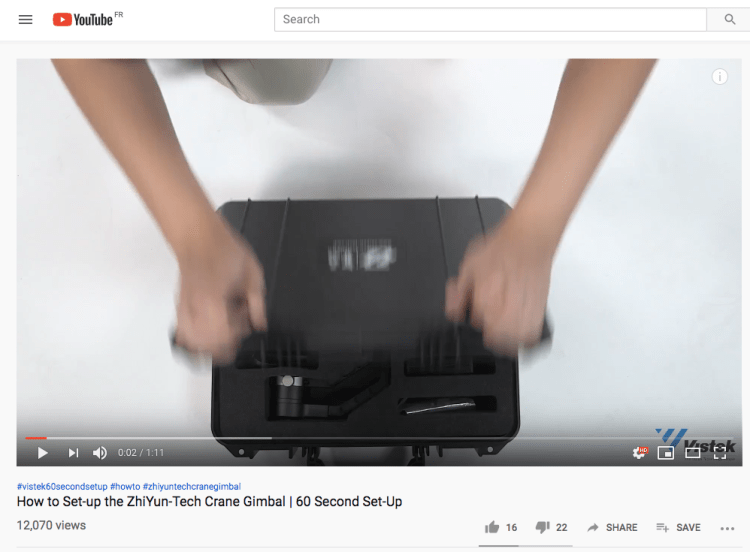
Gimbal: I used a large range of equipment see here . The most difficult for me was the gimbal, as i’ve never used one before. I used the tripod for the first day, as we tried to set up the gimbal and failed, but on the second day before shooting, I looked into how to set it up and realised that it wasn’t working earlier as the lens I was using was too heavy. After learning how to properly use it, the production flowed so much better as we were able to get the second scene shot in one go (although 15 takes!).
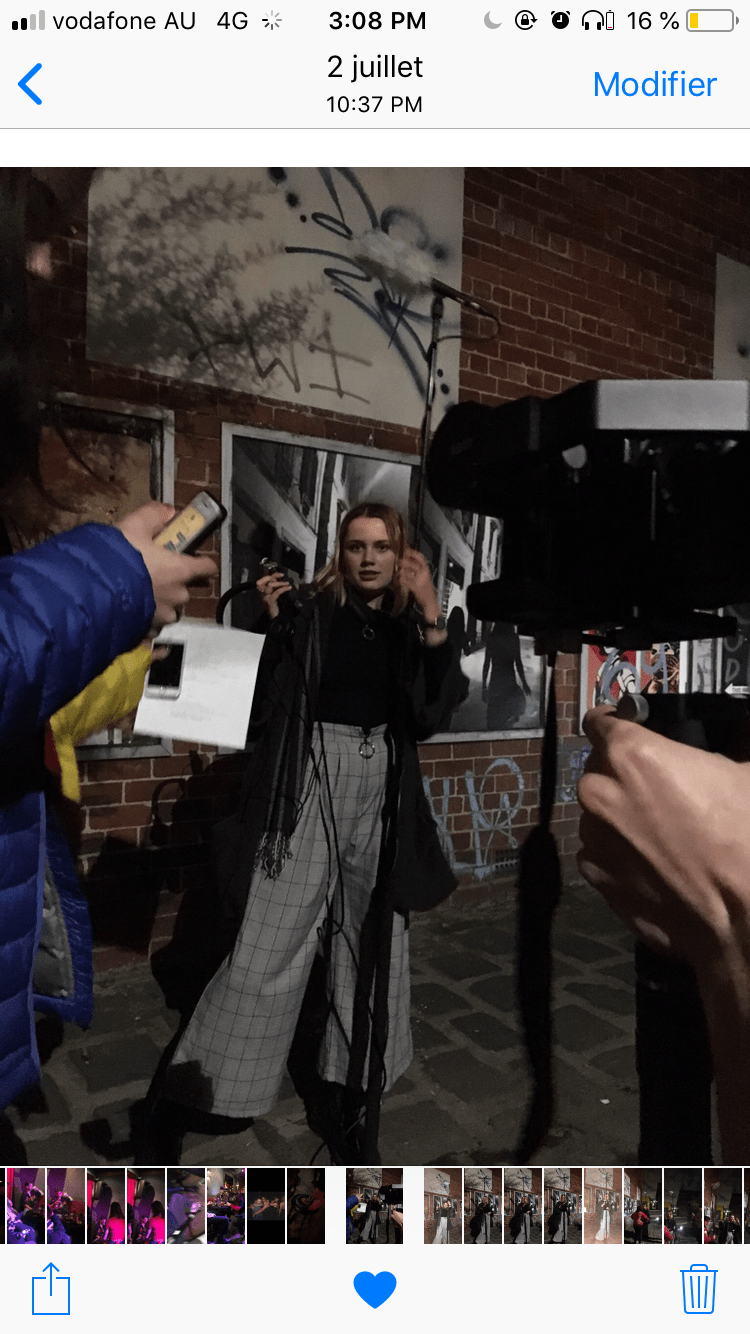
Lighting: I found it quite difficult to light the bar scenes, as it didn’t have strong overhead lights and no windows (because it’s a bar duh). We set up the studio LED light, yet 2 of them weren’t working so we were very lucky that 3 lights were in the cast (later we realised we didn’t know how to turn them on properly so they did actually work!). In the first alley scene we also used the big LED studio light to make the shot brighter, while also setting up the smaller LED next to where we had blocked for the protagonist to stop. Lighting was hardly an issue, and after some practise we learnt how to use it really well. The small LED also served useful when we filmed at the train station, as it was quite dark even on the platform.
Camera: I used manual focus throughout the entirety of the production, as it meant I had more agency over what exactly I was focusing on and when. This became a problem later on in the editing process as I found that some of the images were a bit blurry.
Audio: This was no problem for us during filming, I asked my friend Lucinda Breen to help out with audio and everything she recorded worked perfectly in post, as we had a lot of choices due to the amount of times we re-shot scenes.
Editing software: Final Cut Pro X
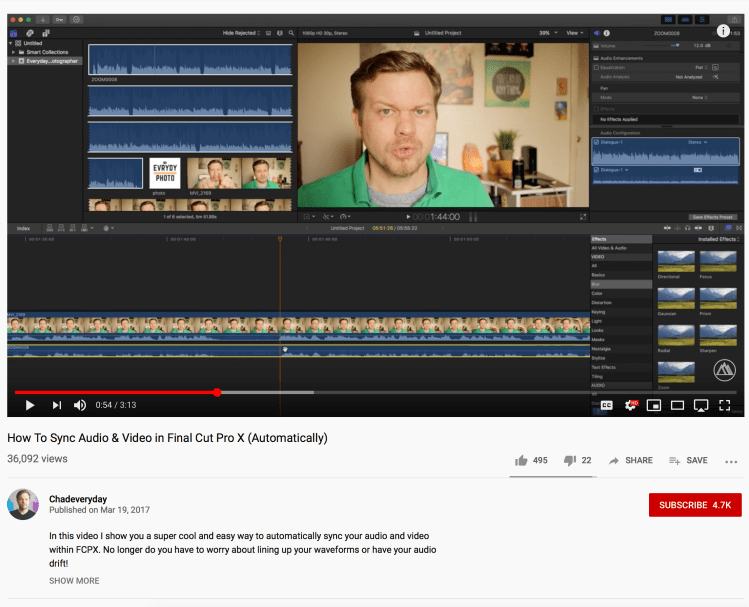
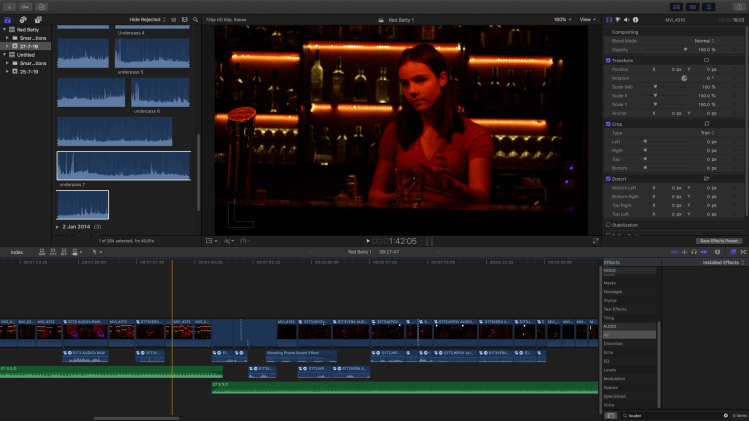
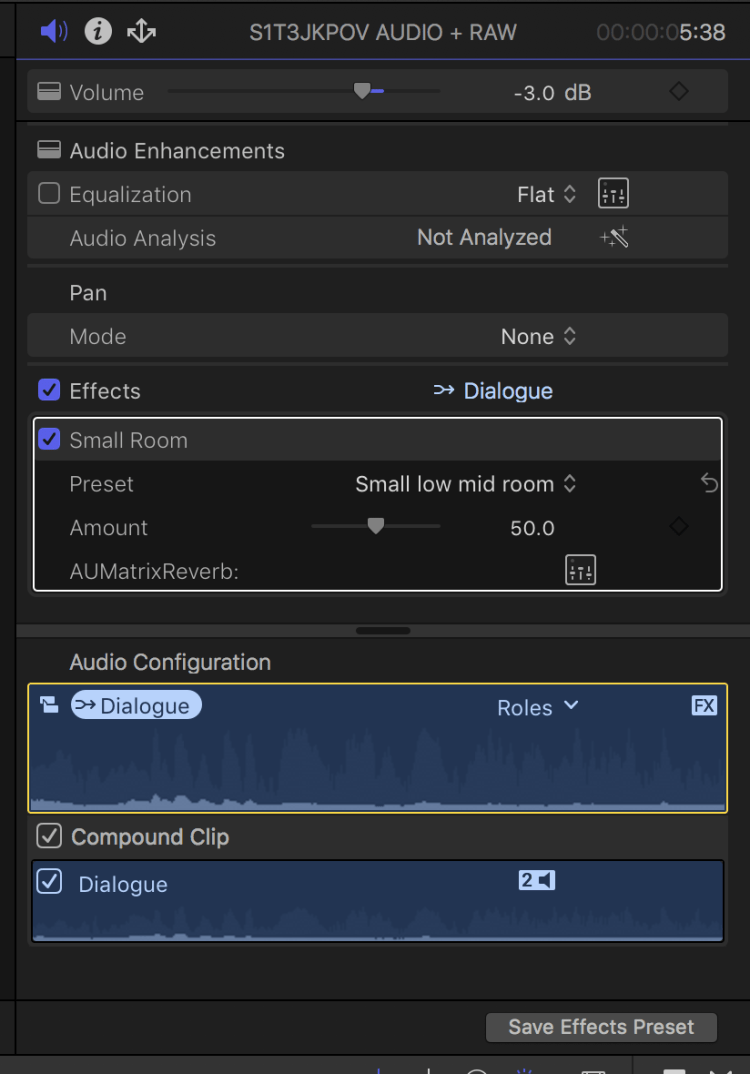
Sound: There were many times throughout post-production when I had to rely on tutorials to teach me how to do certain things. Sound is a big importance to me, and therefore I spent a lot of time learning how to perfect it. This is an example of when I did that (the the left). I needed to learn how to sync audio to image, and I learnt how to do it through Final Cut Pro. I then added an ‘effect’ on the audio to make it sound like the characters are in a bar, therefore I added the ‘small room’ effect.
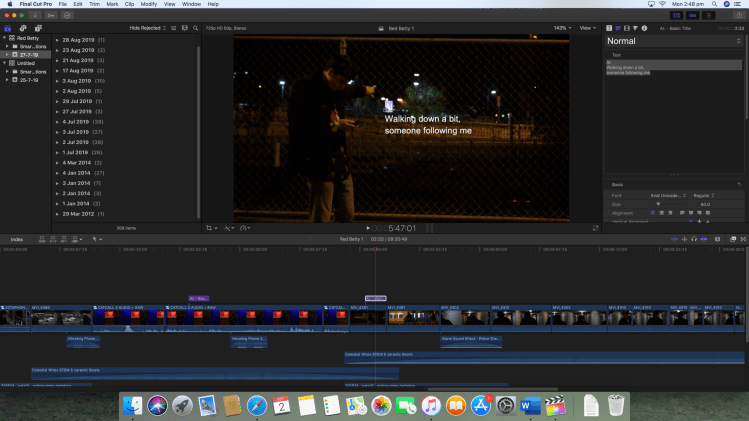
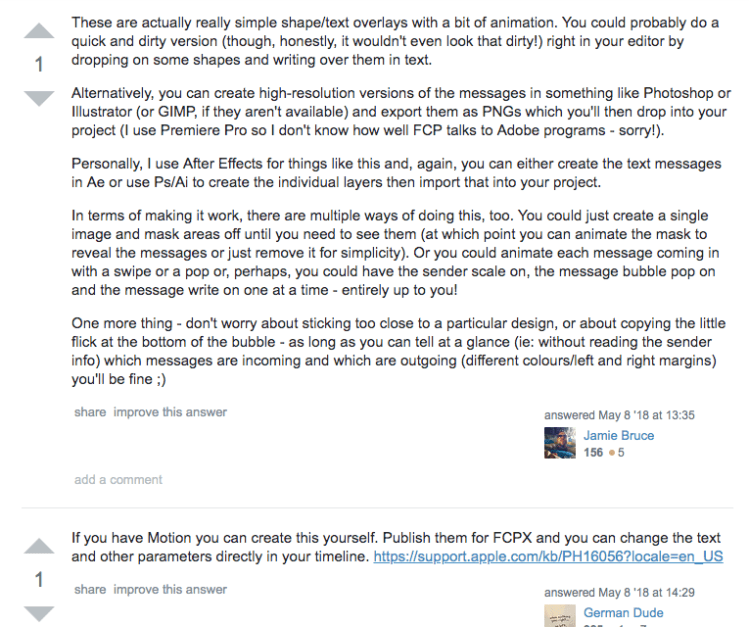
Written Codes: Initially, I used a simple effect on Final Cut Pro X to create an on”-screen text message, but I was told that it wasn’t believable after feedback, and therefore I needed to re-do this. It was a bit difficult to find directions on how to do this through the software I’m using, as I wanted it to ressemble the on-screen texting on shows like Sherlock or House of Cards.
FINISH THIS
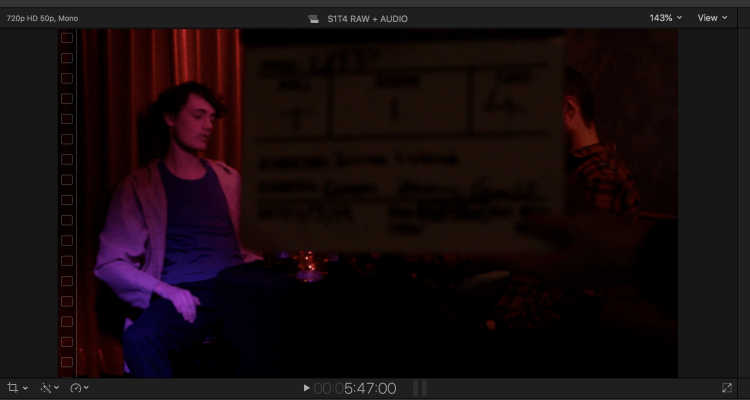
Image: ADD BLURRED IMAGES SCREENSHOTS
 eddingtonpress